RAG development services for assistants that cite sources

We build assistants that answer from your policies, manuals, contracts and past work, quote the passage they used, and show each person only what they may see.

Timeline
5 to 12 weeks
Price from
$15,000
Built with
OpenAI API, Anthropic API, OpenAI embeddings
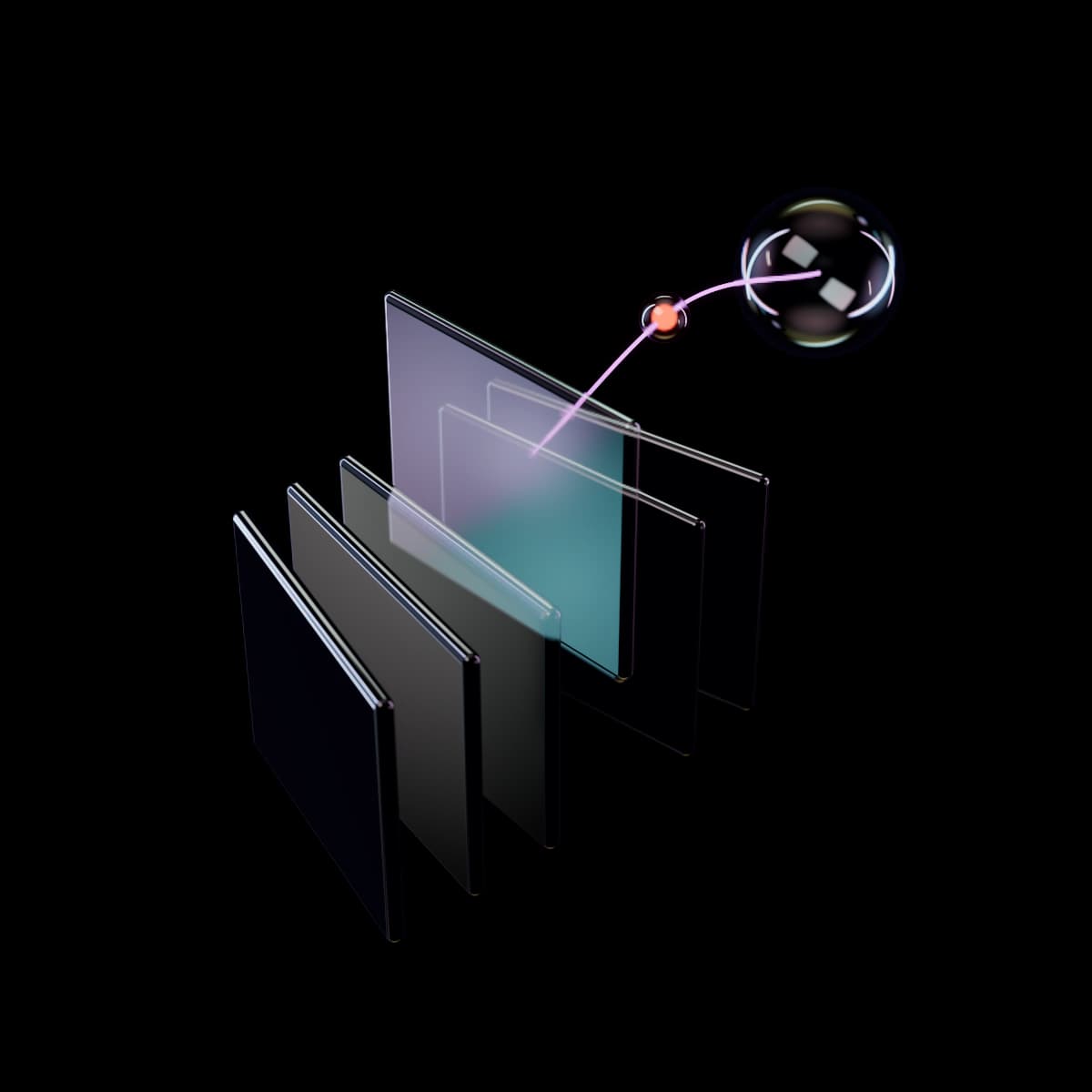
Six glass sheets standing on edge like files in a drawer, fanned slightly and seen from above, with one iridescent sheet lifted halfway out and a lit pink thread rising from a soft glow on its face, past a glowing orange bead, to an iridescent sphere above.
Part of AI systems3 services in this practice

In short

RAG development services connect a language model to your company documents, so every answer is built from passages it retrieved and cites them. We deliver the ingestion pipeline, a search index in your cloud, an assistant in Slack, Teams or your intranet, and a graded test set of real questions. Typical build: 5 to 12 weeks, $15,000 to $75,000, with infrastructure passed through at cost.

Updated

Who it is for

  • Companies with policies and SOPs spread across SharePoint, Google Drive, Confluence or Notion
  • Support teams answering from a help center plus years of internal notes
  • Professional services firms that reuse past proposals, reports and precedents
  • HR, IT and operations teams fielding the same questions every week

Signals you need it

  • The same questions show up in Slack every week

    Expense limits, VPN setup, which contract template to use. Someone senior answers from memory, and the answer vanishes into a thread.

  • Nobody is sure which version is current

    The travel policy exists in 4 places with 3 different dates, and people trust whichever copy opens first.

  • Search finds files, and people still have to read them

    Drive returns 40 documents. The answer is one paragraph on page 17 of the right one.

  • New hires take months to stop asking

    The knowledge is written down, just not anywhere a new person can find it in under a minute.

What we hand over

Everything here is yours at handover: code, workflows, prompts and data, on accounts in your name.

Source inventory
Every repository in scope with file counts, formats, owners, permission model and rate of change, plus the duplicates and stale versions we found.
Ingestion pipeline
Connectors, parsing, chunking and metadata for each source, with a scheduled sync for new, changed and deleted files. Scanned PDFs get OCR first.
Hybrid search index
Keyword and vector search with reranking, hosted in your cloud on PostgreSQL with pgvector, Azure AI Search or a managed vector database.
Assistant with passage-level citations
A Slack or Teams app, an intranet page or a help-center widget. Each answer links to the exact passage it used.
Evaluation set and report
100 to 300 real questions with expert-approved answers, scored separately for retrieval and for answer accuracy, and rerun on every change.
Admin guide and content owner playbook
How to add a source, correct a wrong answer, retire a stale document and read the weekly report of unanswered questions.

How the engagement runs

During the build
A demo of working software every week
At handover
Documentation, a runbook and training for your team
  1. Stage 11 to 2 weeks

    Map

    We inventory your sources, collect 100 or more real questions from Slack, tickets and inboxes, and write down who may see what. Your subject experts agree the accuracy bar the pilot must reach.

  2. Stage 22 to 3 weeks

    Prove

    We index one source, usually the messiest one that matters, and run the question set. You see every failure sorted by cause: missing content, poor retrieval or a weak answer. Then we decide go or no-go.

  3. Stage 32 to 7 weeks

    Build

    We add the other sources, permission sync, the interface, citations, scheduled syncs and automated evaluation runs, with weekly demos. One team pilots it before company-wide release.

  4. Stage 4Monthly, optional

    Run

    We review unanswered and down-voted questions weekly, send content owners a list of gaps and stale files, and rerun the evaluation set when a model or embedding version changes.

What is RAG, and is it better than fine-tuning for company knowledge?

Retrieval-augmented generation (RAG) means the system first searches your documents for passages relevant to a question, then asks a language model to answer from those passages, with citations. The approach was set out by Lewis et al. in 2020 (opens in a new tab) and is now the standard pattern for company knowledge assistants.

For knowledge that changes, RAG beats fine-tuning. Fine-tuning adjusts a model's weights with examples. It is good at teaching a format or a tone and poor at teaching facts that will be stale next quarter. It also cannot show where an answer came from, or hide one department's files from another.

RAGFine-tuningOff-the-shelf assistant
Best forAnswers from changing documentsFixed formats, tone, classificationSearch across common apps without a build
Shows its sourceYes, down to the passageNoUsually, linking to the file
Picks up a changed documentOn the next syncOnly after retrainingOn the vendor's schedule
Respects document permissionsYes, when built inNoFor the connectors it supports

Off-the-shelf tools such as Microsoft 365 Copilot or Glean are a fair first step when your documents sit in systems they already connect to. A custom build pays off when sources fall outside their connectors, when answers must cite the exact passage, or when you need control over how the assistant searches and refuses.

PersonRetrievalModelSources01Ask a questionIn plain wordsPoliciesOwner, last updatedHelp centerPublic articlesPast ticketsPersonal data removed02Search the indexKeyword and meaning03Rerank passagesBest matches first04Write from sourcesOnly what was found05Cited answerEach claim links a sourceNo source foundSays so, offers a personPersonRetrievalModelSources01Ask a questionIn plain wordsYour documentsPolicies, articles, tickets02Search the indexKeyword and meaning03Rerank passagesBest matches first04Write from sourcesOnly what was found05Cited answerEach claim links a sourceNo source foundSays so, offers a person
How a knowledge assistant answers from your documentsA person asks a question, the system searches an index built from your own documents, keeps the best passages, and a model writes an answer only from those passages with a citation on each claim, or says it found no source.
  • Model step
  • Exception or feedback path

How do you stop a RAG system from making things up?

No language model can be made incapable of error, so we design for 3 things: find the right passage, answer only from it, and refuse when it is not there.

Most wrong answers are retrieval failures. The model was handed the wrong paragraphs and did its best with them, so most of our effort goes into search. Keyword search catches part numbers, policy codes and names. Vector search catches meaning when the wording differs. A reranker then reorders the top results. Anthropic's benchmark of this approach found that adding context to each chunk plus keyword search cut failed retrievals by 49%, and reranking took the cut to 67% (Anthropic, Contextual Retrieval, 2024 (opens in a new tab)). Your documents will behave differently, so we measure on your own questions.

The assistant must cite a passage for every claim. If retrieval finds nothing relevant, it says so and names the team that owns the topic. A confident wrong answer does more damage than no answer at all.

The evaluation set scores both halves separately. Did the right passage reach the top results? Did the answer match what your expert approved? When a score drops, we know which half broke. Our glossary entry on AI hallucination explains the failure mode itself.

Can a knowledge assistant respect document permissions?

Yes, and it has to be designed in from week 1, because retrofitting it is expensive. The rule we build to: the assistant never retrieves a passage the person asking could not open in the source system.

That takes 3 pieces of work. Each chunk in the index carries the access list of its source file, synced from SharePoint, Google Drive, Confluence or your document system. Every search is filtered by the user's identity before results reach the model, so a restricted passage never enters the prompt. Filtering the answer afterward is too late. And the sync job updates permissions when they change at the source, so someone removed from the HR folder in the morning loses access in the assistant the same day.

Sign-in uses your identity provider, such as Microsoft Entra ID, Google Workspace or Okta. Every question, the passages retrieved and the answer given are logged for audit.

Permission sync is the biggest single reason multi-source builds land in the $35,000 to $75,000 band. SharePoint passes permissions down from sites to libraries to folders, with exceptions at any level. Google Drive mixes shared drives, groups and sharing links. We map each source during Map, and if its permissions are too tangled to trust, we recommend leaving it out of the first release.

How much does a RAG system cost to build and run?

A knowledge assistant over one main source for one audience costs $15,000 to $35,000 to build. Assistants that draw on several systems with permission sync cost $35,000 to $75,000.

The build price moves with 5 things:

  • Sources. 2 SharePoint sites share one connector. SharePoint, Confluence and a ticket archive need 3.
  • Document condition. Clean Word files are easy. Scanned PDFs, tables split across pages and slide decks that carry their meaning in diagrams need extra parsing.
  • Permissions. One audience with shared access is simple. Per-user access synced from several systems is the expensive part.
  • Where it lives. A Slack or Teams app ships faster than a custom intranet page or a branded customer widget.
  • Expert time. Your subject experts approve the test answers. If they are short of time, the schedule stretches.

Running costs pass through at cost, with no markup: model usage per question, embeddings when documents change and hosting for the index. Index hosting is a fixed monthly cost, and model usage tracks how many questions people ask. We measure both during Prove and put a monthly estimate in the proposal. Monitoring and retesting after model updates are available from $1,500 a month.

When is a RAG build the wrong choice, and what is not included?

RAG answers questions from text. It is the wrong tool for numbers that live in a database. "How many orders shipped late last month?" is a query against your order system, which we build as a read-only database tool for an AI agent, or answer with the dashboard you already have.

It is also the wrong choice when the documents are the problem. If your policies contradict each other, an assistant will quote both with confidence. Then the first project is a documentation cleanup, and we will say so in Map, before you pay for a build. Our guide to building a RAG knowledge assistant covers that call in more detail.

And it may be more than you need. If you are a small team and the answers live in one well-kept Notion workspace or Google Drive, try the AI features built into those tools for a month first.

A knowledge system build does not include:

  • Writing or rewriting your documentation. We report gaps and conflicts, and your content owners fix them.
  • Migrating files between systems, such as a file server move.
  • Legal sign-off on what the assistant may tell customers.
  • Software licenses and cloud accounts, which you hold directly.

If the real job is pulling fields out of invoices or contracts, that is intelligent document processing, a different build.

What changes for your team

  • Staff get an answer with the source paragraph and a link in seconds, without asking in Slack.
  • New hires find policy answers without interrupting senior staff.
  • Every answer traces to a document, a version and a date, which shortens audits.
  • Content owners get a weekly list of unanswered questions, which doubles as a documentation backlog.
  • Restricted documents stay restricted: the assistant never quotes a file the person asking cannot open.

Tools we work with

We start from what your team already pays for and add a tool only where nothing you have does the job.

  • OpenAI API
  • Anthropic API
  • OpenAI embeddings
  • Cohere Rerank
  • PostgreSQL with pgvector
  • Azure AI Search
  • Pinecone
  • Unstructured
  • Azure AI Document Intelligence
  • Ragas
  • Langfuse
  • SharePoint
  • Google Drive
  • Confluence

What it costs

$15,000 to $75,000per project

One main source for one audience: $15,000 to $35,000. Several sources with permission sync: $35,000 to $75,000. Infrastructure and model usage passed through at cost.

Change requests
$175 an hour, quoted before work starts

What changes the price

  • Sources
  • Document condition
  • Permissions
  • Where it lives
  • Expert time

Common questions

If your question is not here, email the team. We reply within 1 working day.

Which file types and systems can be connected?

Common sources include SharePoint, OneDrive, Google Drive, Confluence, Notion, Zendesk help centers and shared network drives. We parse PDF, Word, PowerPoint, Excel, HTML and plain text, and scanned documents go through OCR first. Anything with an API or a reliable export can be added. Email and chat archives are possible but noisy and full of personal data, so we usually leave them out of a first release.

How accurate will the answers be?

We do not quote a number before we have seen your documents. During Map, you and your subject experts agree an accuracy bar on a set of real questions. The pilot is measured against it, and if it misses, we stop there and you keep the findings. After launch, the same question set reruns on every change, so you can see accuracy move over time.

Do we need to clean up our documents first?

Not all of them. Duplicates, outdated versions and contradictory policies cause most bad answers, so Map ends with a list of the specific files that need attention, ranked by how often staff ask about the topics they cover. Fixing the top of that list matters far more than tidying everything.

Where is our data stored?

In your own cloud account on Azure, AWS or Google Cloud. The search index, the logs and the processed copies of your files stay there. Questions and retrieved passages are sent to the model provider you choose, under its business API terms, which we review with you during Map. If documents must stay in a specific region, we pick providers and hosting that support it.

How does the assistant stay up to date?

A scheduled sync checks each source for new, changed and deleted files, usually every night. Deleted files leave the index on the next run. Each answer shows the date of the source it quoted, and the monthly report lists documents that have not been updated in a year but are still being cited.

Can customers use it, or only staff?

Both, with different settings. An internal assistant can search draft procedures and internal notes. A customer-facing one searches only published help content, follows stricter refusal rules, never names internal staff, and is tested against people trying to make it say things it should not. We usually recommend starting internal and opening a narrower version to customers later.

How long does a RAG build take?

Between 5 and 12 weeks. One source for one team, such as an HR policy assistant over a single SharePoint site, usually takes 5 to 7 weeks including the pilot. A support assistant that reads the help center, an internal wiki and past tickets, as in our support blueprint, starts at about 6 weeks. Several sources with per-user permissions take 8 to 12 weeks, mostly because permission mapping and expert review of the test answers take time. Weekly demos run on your own documents from the first week of Prove.

Turn your documents into answers with sources

A 30-minute call about how the work runs today. If this service is the wrong fit, we will say so and point you to the one that is.

Request a 30-minute scoping call

After the call you get a written scope and a fixed price within 5 working days.